

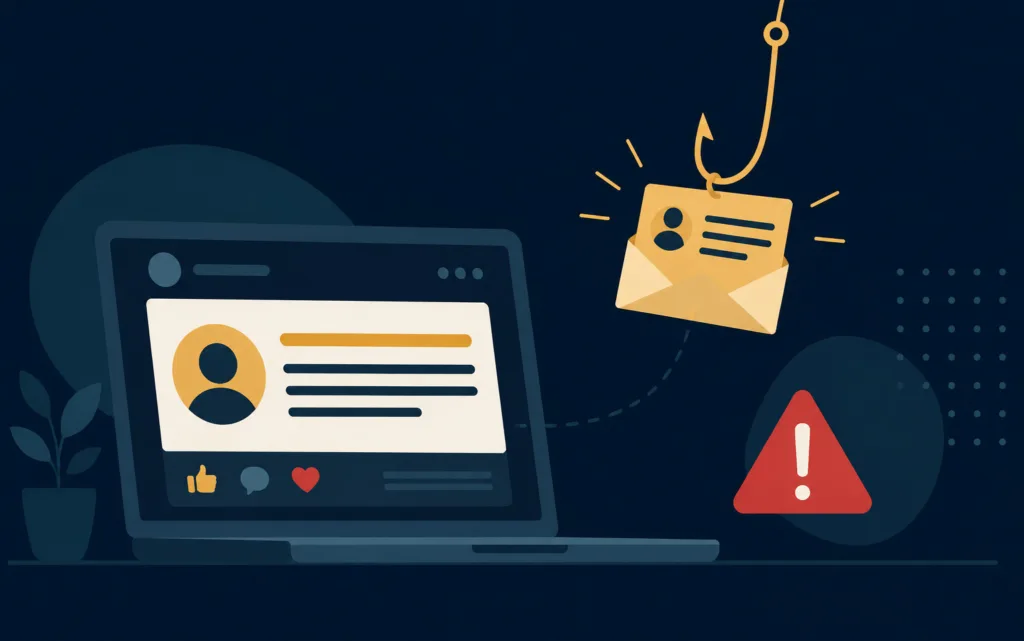
Having an online presence and announcing company news is an important part of building relationships with your customers and celebrating success in the modern business world. But it’s worth thinking about how the small details you share on your company socials could leave you vulnerable to phishing scams and attacks.
A scam we’ve seen recently targets new employees at businesses, with scammers gambling on the fact that they will be less familiar with company procedures and may not have been enrolled in cyber security training yet. Information is gathered from ‘welcome to the team’ posts on company social media or ‘new role’ announcements on LinkedIn.
From this, it’s then very easy to guess that employee’s new email address and target them. The scammer will then set the display name of a generic email account to match the name of a senior person in the company – easily obtained from a quick visit to your website or Companies House.
Posing as the senior employee, the scammer then emails a request – ‘I need you to purchase some gift cards for a client. Send me the codes and I’ll reimburse you. Can’t call now as heading into a meeting.’
The new employee, eager to impress in their new role, may be tempted to action the request immediately, but just a few seconds of caution can prevent them from being duped.
- Always question requests that imply urgency – scammers rely on you reacting before thinking.
- Check the email address matches the display name and is a known and expected email address.
- Verify requests for payment or confidential information in-person or by a phone call to a number you already hold on file.
Now, none of this is to say you shouldn’t share news on social media. You should absolutely continue celebrating and sharing, but it is important to be mindful that this information could be used for scammers to create convincing phishing emails. That’s why regular cyber security training for your staff is so important from day 1.
If you don’t currently have ongoing cyber security training for your staff, talk to us at Wight Computers. It is a core part of all our support packages because we know it works to keep your company data safer and more secure.
An annual, one-off session just doesn’t cut it anymore. Through regular training videos and simulated phishing emails, staff enrolled on our training are practising spotting these red flags all the time, building the likelihood they spot and avoid a genuine phish.
Our customer (referred to above) did the training, and they spotted and reported the attempted phish. Training and maintaining a vigilant attitude works – simple as that.